Here is the mistake that drains Google Ads budgets. People write ads to get the most clicks. But on Google Ads, you pay for every click. A click from someone who will never buy is just wasted money.
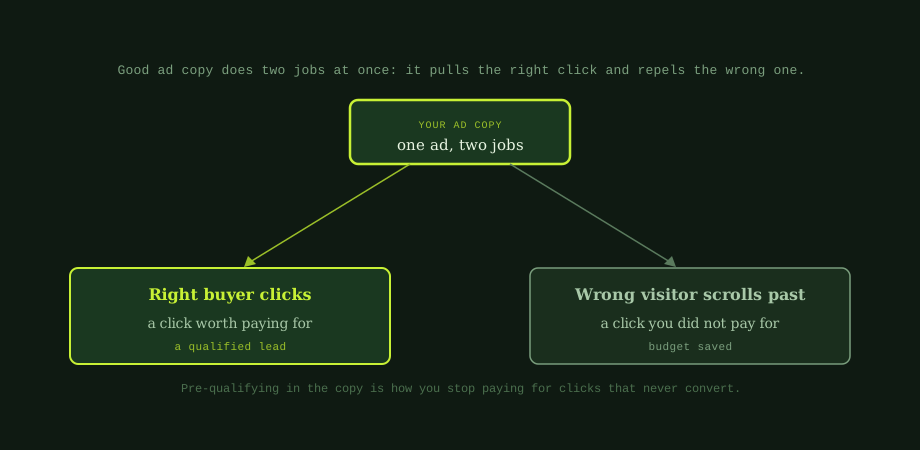
So the goal is not the most clicks. It is the most of the right clicks. Good ad copy does two jobs at the same time. It attracts the buyer you want, and it gently pushes away the visitor you do not. Once you write with both jobs in mind, your budget goes much further.
The two jobs of every ad
Think of your ad as a filter, not a net. A net catches everything. A filter lets the right things through and keeps the rest out. Your ad copy should:
- Pull the right click. Speak directly to the buyer you want, so they feel the ad is for them.
- Repel the wrong click. Make it clear who you are not for, so the wrong people scroll past and cost you nothing.
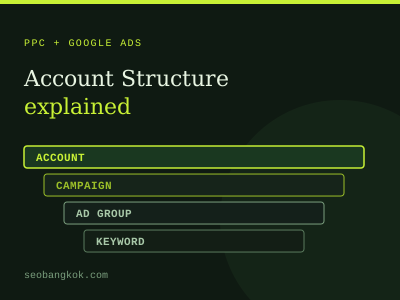
That second job is the one most advertisers miss. It feels strange to write an ad that some people ignore. But every wrong person who does not click is budget saved. Before you write, make sure your campaign is set up well too, which we cover in Google Ads account structure explained.
Five parts of ad copy that converts
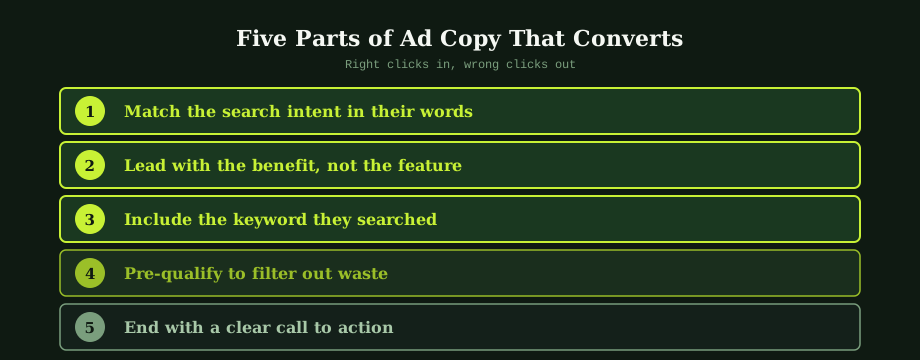
Build every ad around these five parts.
1. Match the search intent in their words
People click ads that feel like a direct answer to what they typed. Use the words your buyer uses, not your internal jargon. If they search "emergency plumber Bangkok," the word "emergency" should be in your ad. Matching their language tells them instantly they are in the right place.
2. Lead with the benefit, not the feature
A feature is what you do. A benefit is what the buyer gets. "24-hour service" is a feature. "Fixed tonight, no waiting" is a benefit. Lead with the benefit, because that is what makes someone click. People care about their problem being solved, not your service list.
3. Include the keyword they searched
When your ad contains the exact term someone searched, it signals relevance and lifts your click-through rate. It also helps your Quality Score, which can lower your cost per click. Keep it natural, though. A forced keyword reads badly and breaks trust. The ad should read well to a person first.
4. Pre-qualify to filter out waste
This is the budget-saver. Put a small signal in the copy that tells the wrong people to move on:
- Serve only businesses? Say "for businesses" or "B2B."
- Premium pricing? Hint at it, so bargain hunters skip you.
- Serve one area? Name it, so people elsewhere do not click.
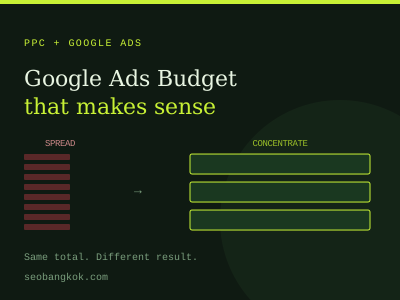
Yes, this lowers your total clicks. That is the point. The clicks you lose are the ones that would never have converted. This pairs directly with setting a sensible budget, more on that in how to set a Google Ads budget.
5. End with a clear call to action
Tell people exactly what to do next: "Get a free quote," "Book a call," "Shop the sale." A clear, specific call to action converts better than a vague one. Match it to where the buyer is. Someone researching is not ready to "buy now," but they may "compare options."
Use all your headline slots
Responsive search ads let you give Google up to 15 headlines and 4 descriptions. Google then mixes them to find what works best. You do not have to fill every slot, but give it a good range, around 8 to 12 strong headlines and 3 to 4 descriptions.
A few rules help here:
- Make each headline able to stand alone, since they appear in different combinations.
- Cover different angles: a benefit, the keyword, a pre-qualifier, proof, and a call to action.
- Avoid pinning headlines unless you must, because pinning limits the testing that improves the ad.
Common ad copy mistakes
Watch out for these:
- Being vague. "Quality service, great prices" says nothing. Be specific.
- Talking about yourself. "We are the leading provider" is about you. Make it about the buyer.
- No pre-qualifying. Casting the widest net feels safe but burns budget on wrong clicks.
- Ignoring the landing page. The ad and the page must match. A great ad sending people to a weak page still wastes money, which is where conversion rate optimisation comes in.
Test, then test again
No one writes the perfect ad on the first try. Write a few versions, let them run, and see which gets the best results. Then write new versions to beat the winner. Small, steady improvements in your copy add up to a big difference in cost per lead over time.
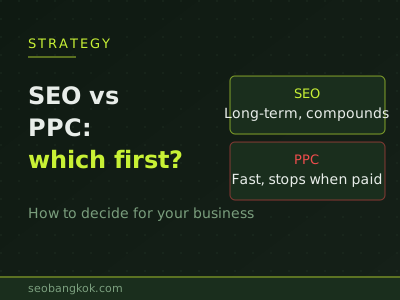
Being weighing paid ads against organic search to begin with means our guide on SEO vs PPC helps you decide where to put your budget.
Bad ad copy pulls clicks from the wrong people, which costs more than no clicks at all. Our PPC agency work handles the writing, testing, and optimisation. Our Bangkok SEO services can review the landing pages that turn clicks into customers.
Common questions
What makes Google Ads copy effective?
Effective Google Ads copy does two jobs at once. It attracts the right buyer to click, and it makes the wrong visitor scroll past. Many advertisers only think about the first job and end up paying for clicks that never convert. The best copy matches the searcher's intent in their own words, leads with a clear benefit, includes the keyword they searched, pre-qualifies the click by stating things like price range or audience, and ends with a clear call to action. Together these get qualified clicks while filtering out the people who would only waste your budget.
How do I stop wasting budget on Google Ads clicks?
The most overlooked tactic is pre-qualifying in the ad copy itself. If you only serve businesses, say so. If your service starts at a certain price, hint at it. If you serve a specific area, name it. This makes people who are not a fit scroll past instead of clicking, which saves the money you would have spent on that click. Pre-qualifying feels counterintuitive because it can lower your click volume, but it raises the quality of the clicks you do pay for. Combined with negative keywords and good targeting, writing copy that repels the wrong visitor is one of the simplest ways to cut wasted spend.
Should I include the keyword in my Google Ads copy?
Yes, where it fits naturally. When your ad shows the exact words someone searched, it signals relevance and reassures them they are in the right place, which lifts click-through rate. It also supports your Quality Score, which can lower your cost per click. The key is to keep it natural. Forcing the keyword in awkwardly hurts readability and trust. The goal is an ad that reads well to a person and happens to contain the term they searched, not a robotic string of keywords.
How many headlines and descriptions should a Google ad have?
Responsive search ads let you provide up to 15 headlines and 4 descriptions, and Google mixes them to find what works. You do not have to fill every slot, but giving a good range, around 8 to 12 strong headlines and 3 to 4 descriptions, gives Google enough to test and optimise. Make each headline able to stand on its own, since they appear in different combinations. Cover different angles: a benefit, the keyword, a pre-qualifier, social proof, and a call to action. Pin a headline to a position only when you must.